Transportation
RouteOne GO
Building a truck navigation platform around real driver workflows
Impact: Built a truck navigation platform with 10,000+ downloads, combining truck-specific routing, operational POIs, tablet support, AI-assisted route planning and deep integration with the RouteOne ecosystem.
- Role
- Product & UX Lead
- Duration
- Multi-year product development
- Team
- Engineering, Design, QA, Fleet stakeholders
Overview
After launching the RouteOne ELD platform, we saw an opportunity to solve a broader problem.
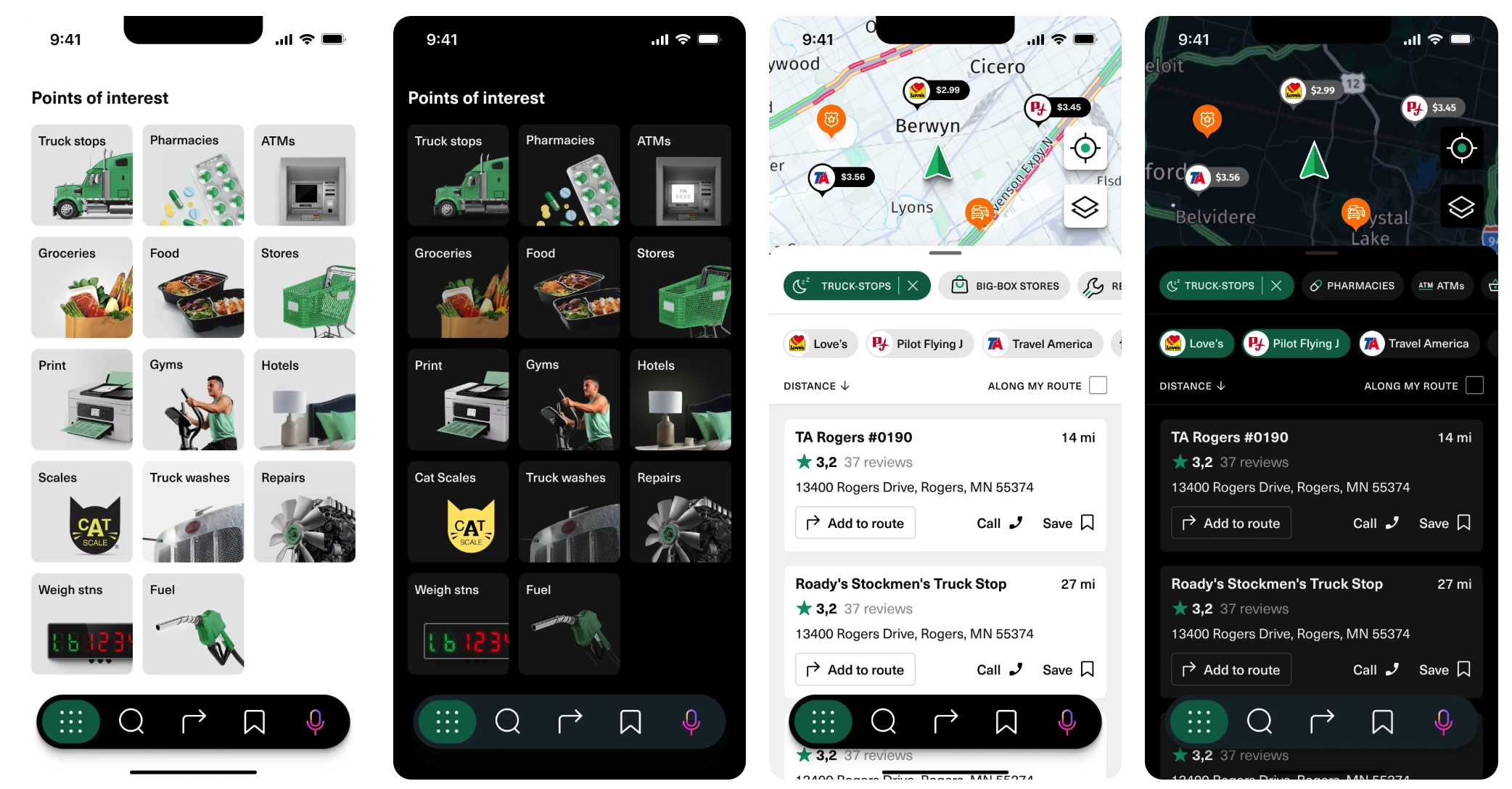
Drivers needed much more than compliant logbooks. Every day they searched for fuel, parking, truck stops, weigh stations, showers, pharmacies, printers and dozens of other services required to complete their routes efficiently.
Rather than building another navigation app, we focused on creating a product designed around the daily workflow of professional truck drivers.
The Challenge
Truck navigation is fundamentally different from passenger navigation.
Routes depend on vehicle dimensions, trailer configuration, axle weight, hazardous materials and legal road restrictions. At the same time, product requirements evolved continuously as the business explored new opportunities.
The challenge wasn't simply designing maps. It was building a platform capable of supporting an entire operational workflow.
Discovery & Product Strategy
We started by benchmarking existing trucking navigation products and identifying the biggest operational pain points.
Fuel became the first priority because the company partnered with major truck stop networks such as Love's, TA and Petro. Drivers could compare prices across retail stations, fleet cards and partner discounts directly inside the application.
Traditional interviews quickly reached their limits because drivers rarely had time for lengthy research sessions.
To better understand real workflows, I analyzed hundreds of hours of trucking YouTube channels and driver vlogs. This uncovered recurring problems that rarely appeared during interviews and directly influenced the roadmap.
The platform gradually expanded with:
- Truck Stops
- Fuel Prices
- Weigh Stations
- Parking
- Showers
- Gyms
- Pharmacies
- Printing Services
- Additional truck-specific POIs
Field Testing
Navigation decisions couldn't be validated in the office.
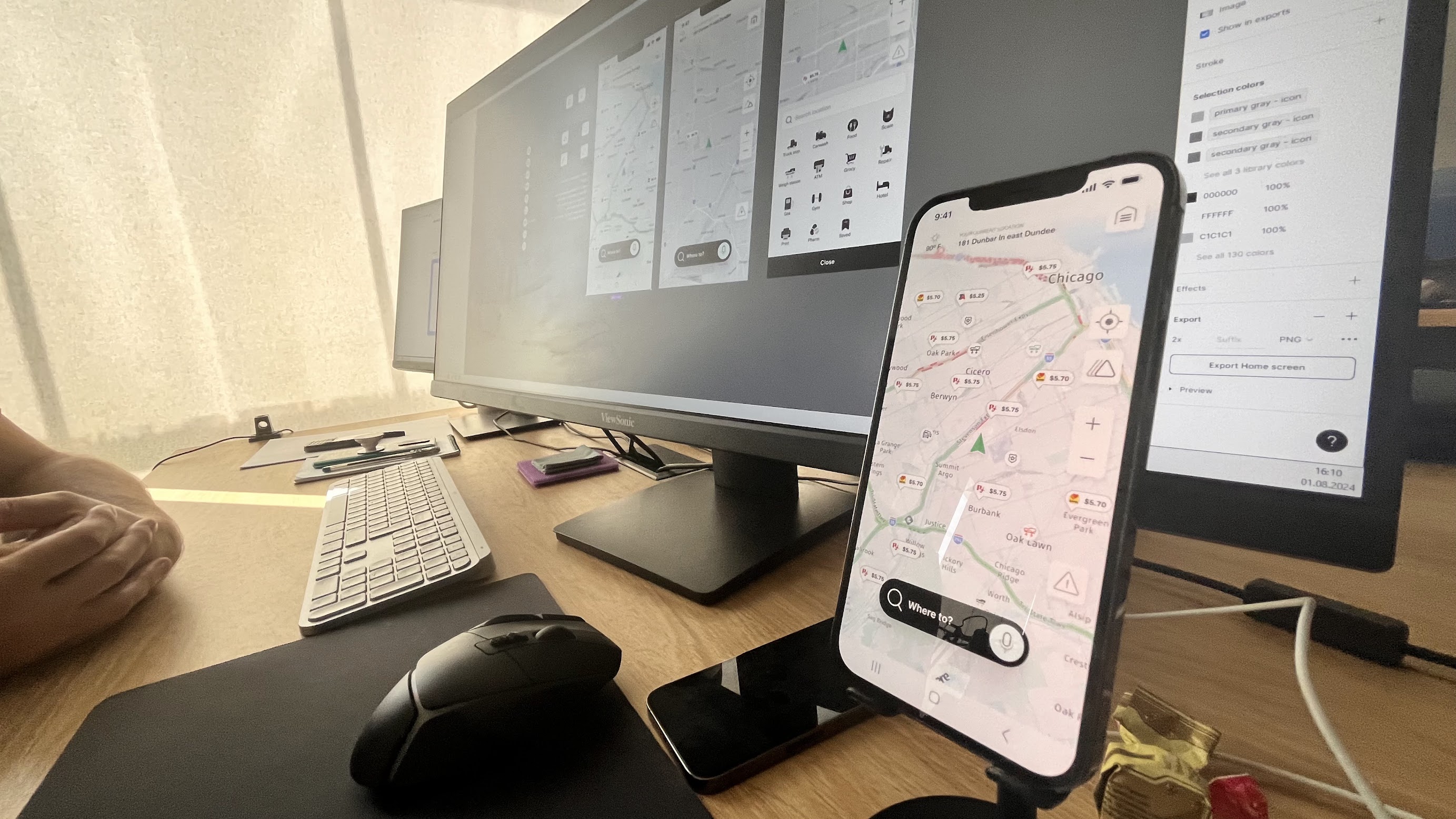
Together with developers and QA engineers we repeatedly tested the product during real road trips, observing navigation behavior under actual driving conditions.
We evaluated:
- map zoom behavior
- automatic camera rotation
- voice guidance
- button placement
- speed visibility
- interaction safety while driving
Every field test generated new improvements that would have been impossible to discover through static prototypes alone.
Tablet-First Experience
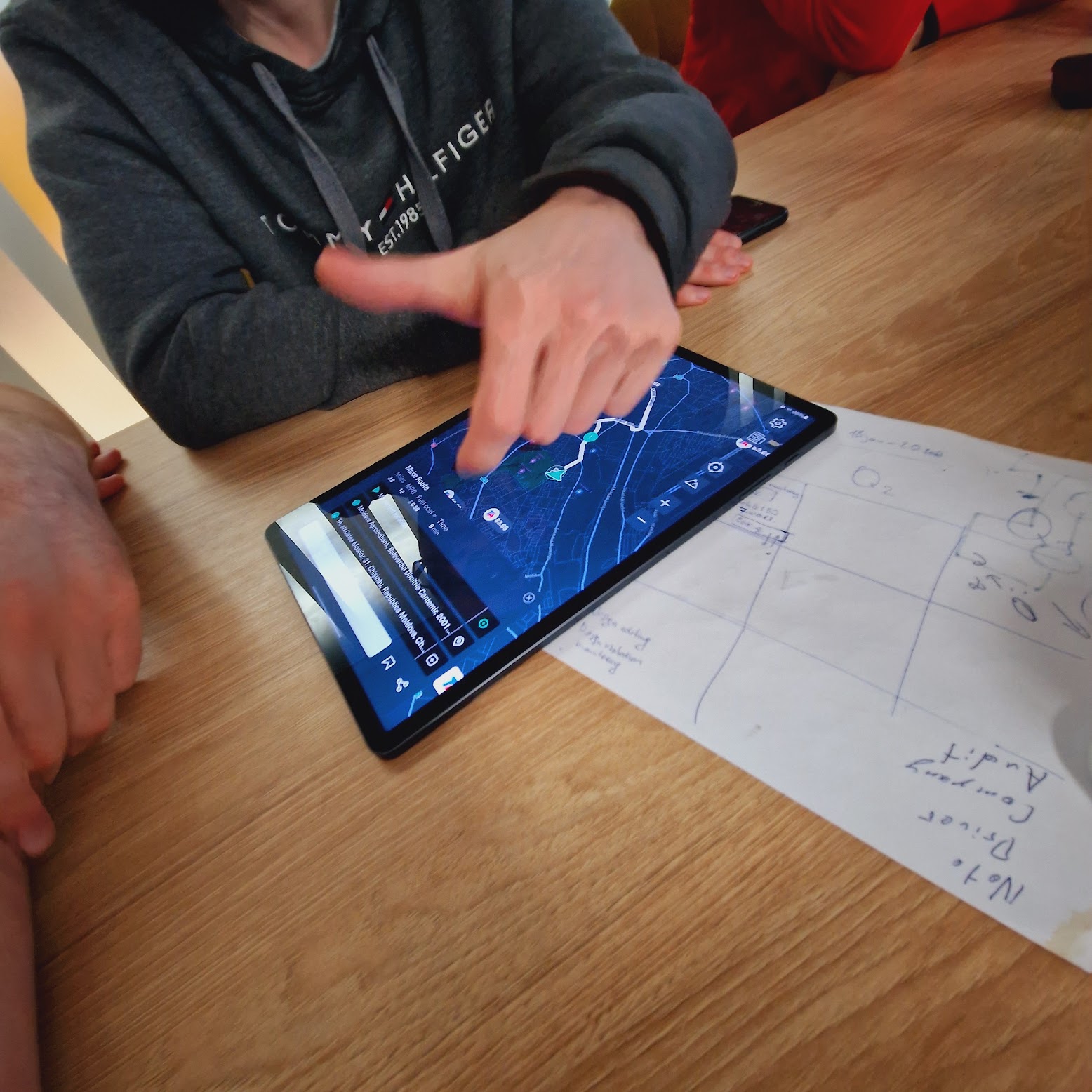
Testing also revealed that many professional drivers preferred tablets mounted horizontally inside the cabin instead of smartphones.
Instead of scaling the mobile interface, we redesigned the layout specifically for large displays.
The map became the primary focus while supporting information occupied only part of the screen, allowing drivers to access additional controls without losing situational awareness.
Designing for Long Driving Sessions
Drivers spend hours interacting with navigation, so reducing cognitive load became one of the primary design goals.
The interface relied on:
- icon-first navigation
- dark mode
- high-contrast components
- simplified interaction patterns
- redesigned HERE map elements for improved consistency
This made the application easier to scan while driving and reduced unnecessary visual complexity.
Outcome
RouteOne GO evolved into a truck-first navigation platform with more than 10,000 downloads, combining navigation, operational services and vehicle configuration into a single driver workspace.
The product became part of the broader RouteOne ecosystem, helping drivers plan trips, locate operational services, compare fuel prices and navigate safely using truck-specific restrictions.
Throughout the project I led product discovery, UX strategy and feature prioritization while working closely with engineering and QA to validate decisions through continuous field testing.
Something is not working.Let's find out what.
A direct conversation about your product, what you are seeing, and whether an investigation would be worth it.